7 min read • 1,380 words
Best Software Testing Tools for Developers
In the fast-paced world of software development, ensuring the quality and functionality of applications is paramount. This is where the Best Software Testing Tools for Developers come into play. These tools not only streamline the testing process but also enhance the overall efficiency of development teams. By utilizing the right testing tools, developers can identify bugs early, improve code quality, and ultimately deliver a better user experience.
In this article, readers will explore a variety of essential testing tools, including Selenium, JUnit, Postman, TestNG, and Jest. Each of these tools serves a unique purpose, from automating web applications to facilitating API testing and unit testing in Java. Understanding the strengths and applications of these tools will empower developers to make informed choices, ensuring that their software meets the highest standards of quality and performance.
Top Automated Testing Tools
When it comes to ensuring the quality of software applications, automated testing tools play a crucial role. Among the best software testing tools for developers, several stand out due to their features, ease of use, and community support. Here are some of the top automated testing tools that developers should consider.
- Selenium: Selenium is one of the most widely used tools for web application testing. It supports multiple browsers such as Chrome, Firefox, and Safari, making it an excellent choice for cross-browser testing. With Selenium, developers can write test scripts in various programming languages, including Java, C#, and Python. For example, a simple Selenium script to open a webpage might look like this:
from selenium import webdriver
driver = webdriver.Chrome()
driver.get("http://example.com")
driver.quit()- JUnit: JUnit is a popular framework specifically designed for unit testing in Java applications. It provides annotations to help developers define test methods and manage test execution. JUnit is essential for test-driven development (TDD) and helps ensure that individual components of the application function correctly. A basic JUnit test case might appear as follows:
import org.junit.Test;
import static org.junit.Assert.assertEquals;

public class SimpleTest {
    @Test
    public void testAddition() {
        assertEquals(2, 1 + 1);
    }
}- TestNG: TestNG is another powerful testing framework that offers advanced features such as parallel test execution, data-driven testing, and more. It is designed to cover a wide range of testing needs, from unit testing to integration testing. Developers can easily configure TestNG to run tests in parallel, which can significantly reduce the time required for test execution.
In summary, these tools—Selenium, JUnit, and TestNG—are among the best software testing tools for developers, providing essential functionalities that enhance the testing process and improve software quality.
Essential Unit Testing Frameworks
When it comes to ensuring the quality of software, unit testing frameworks play a crucial role. They help developers write and execute tests that verify the functionality of individual components of their applications. Here are some of the best software testing tools for developers, focusing on essential unit testing frameworks.
- Mocha: Mocha is a flexible JavaScript testing framework that works seamlessly with Node.js and browser applications. It provides a rich set of features, including asynchronous testing, which is particularly useful for developers working on web applications. With Mocha, you can easily structure your tests using a variety of assertion libraries, such as Chai. For example, to set up a basic test, you might use the following commands:
npm install --save-dev mocha chaimocha test.jsThis allows you to write tests that can validate your JavaScript code effectively.
- pytest: For Python developers, pytest is a powerful testing framework known for its simple syntax and extensive features. It supports fixtures, parameterized testing, and plugins, making it highly versatile. A typical test case in pytest can be written as follows:
def test_addition():
    assert add(1, 2) == 3
This simplicity allows developers to focus on writing tests without getting bogged down by complex syntax.
- RSpec: RSpec is a behavior-driven development (BDD) framework for Ruby applications. It emphasizes writing tests in a human-readable format, which helps bridge the gap between technical and non-technical stakeholders. A sample RSpec test might look like this:
describe 'Calculator' do
  it 'adds two numbers' do
    expect(add(1, 2)).to eq(3)
  end
end
By using RSpec, developers can create tests that are not only functional but also easy to understand, promoting better collaboration within teams.
In summary, these frameworks—Mocha, pytest, and RSpec—are among the best software testing tools for developers, each catering to different programming languages and paradigms while ensuring robust testing practices.
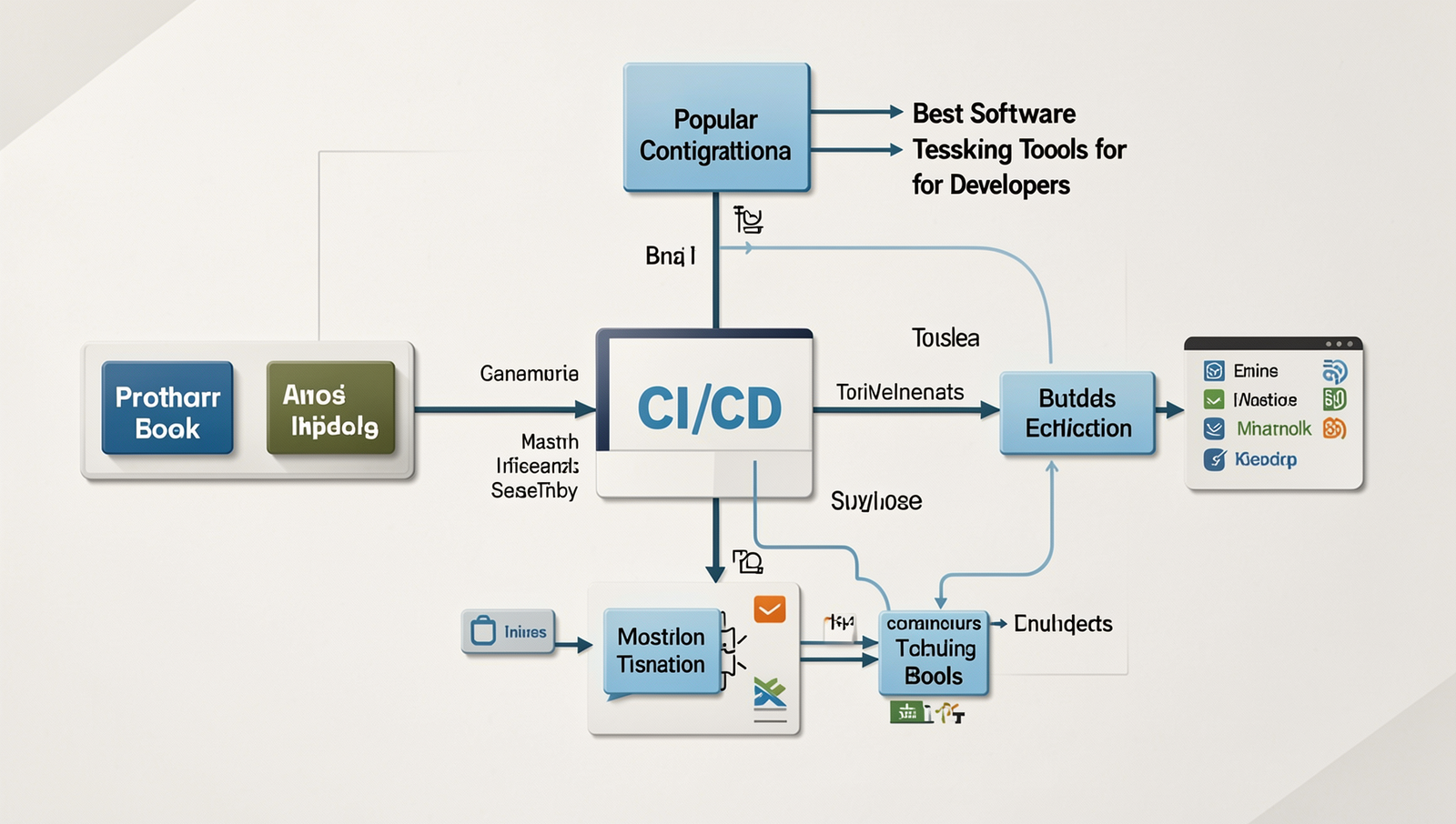
Popular Continuous Integration Tools
Continuous Integration (CI) tools are essential for developers aiming to streamline their software development processes. They automate the integration of code changes from multiple contributors, ensuring that the software remains in a deployable state. Here are some of the best software testing tools for developers that focus on CI:
- Jenkins: Jenkins is an open-source automation server that enables developers to build, test, and deploy their code efficiently. With its extensive plugin ecosystem, Jenkins can integrate with virtually any tool in the software development lifecycle. For instance, a developer can set up a Jenkins pipeline to automatically run unit tests every time code is pushed to the repository, ensuring that any issues are caught early in the development process.
- Travis CI: Travis CI is a continuous integration service specifically designed for projects hosted on GitHub. It allows developers to automatically build and test their code changes in a virtual environment. For example, a developer can configure Travis CI to run tests on multiple programming languages and platforms, providing immediate feedback on code quality and compatibility.
- CircleCI: CircleCI is a cloud-based CI/CD tool that automates the software development process from code integration to deployment. It offers features like parallel testing and Docker support, which can significantly speed up the testing phase. A practical example would be a developer using CircleCI to run integration tests across different environments simultaneously, reducing the overall time taken to validate code changes.
These tools not only enhance productivity but also improve the quality of the software being developed, making them indispensable in modern software engineering practices.
Conclusion
In the ever-evolving landscape of software development, selecting the best software testing tools for developers is crucial for ensuring high-quality applications. These tools not only streamline the testing process but also enhance collaboration among team members, enabling faster feedback loops and more efficient bug detection. By integrating automated testing frameworks, developers can significantly reduce manual testing efforts, allowing them to focus on writing code and delivering features that meet user expectations. The right tools can also facilitate continuous integration and continuous deployment (CI/CD), which are essential for maintaining a competitive edge in today’s fast-paced market.
As you explore the best software testing tools for developers, consider factors such as ease of use, compatibility with existing systems, and the specific needs of your projects. Investing time in selecting the appropriate tools will pay off in the long run, resulting in improved software quality and reduced time to market. Embrace these tools to elevate your development process and ensure that your applications are robust, reliable, and ready for users.
Frequently Asked Questions
What are the top software testing tools for developers?
The top software testing tools for developers include Selenium, JUnit, TestNG, Postman, and Apache JMeter. These tools facilitate various testing types, such as functional, performance, and API testing, helping developers ensure their software is reliable and efficient.
How does Selenium work for automated testing?
Selenium is an open-source framework that automates web browsers. It allows developers to write test scripts in various programming languages, such as Java and Python. Selenium interacts with web elements, simulating user actions to verify that applications function correctly across different browsers.
What is the purpose of JUnit in software testing?
JUnit is a widely used testing framework for Java applications. It provides annotations and assertions to create and run repeatable tests. By using JUnit, developers can ensure code quality, detect bugs early, and facilitate test-driven development practices.
Can Postman be used for API testing?
Yes, Postman is an excellent tool for API testing. It allows developers to send requests to APIs, validate responses, and automate tests. With features like collections and environments, Postman simplifies the process of testing and documenting APIs effectively.